08 — Pody Guide
Shopping & checkout
Browse the catalogue and place an order.
The catalogue holds gadgets: laptops, smartphones and tablets, and the accessories that go with them. It is open to every account. Each listing shows the market price, and verified students also see what the same device would cost per instalment.
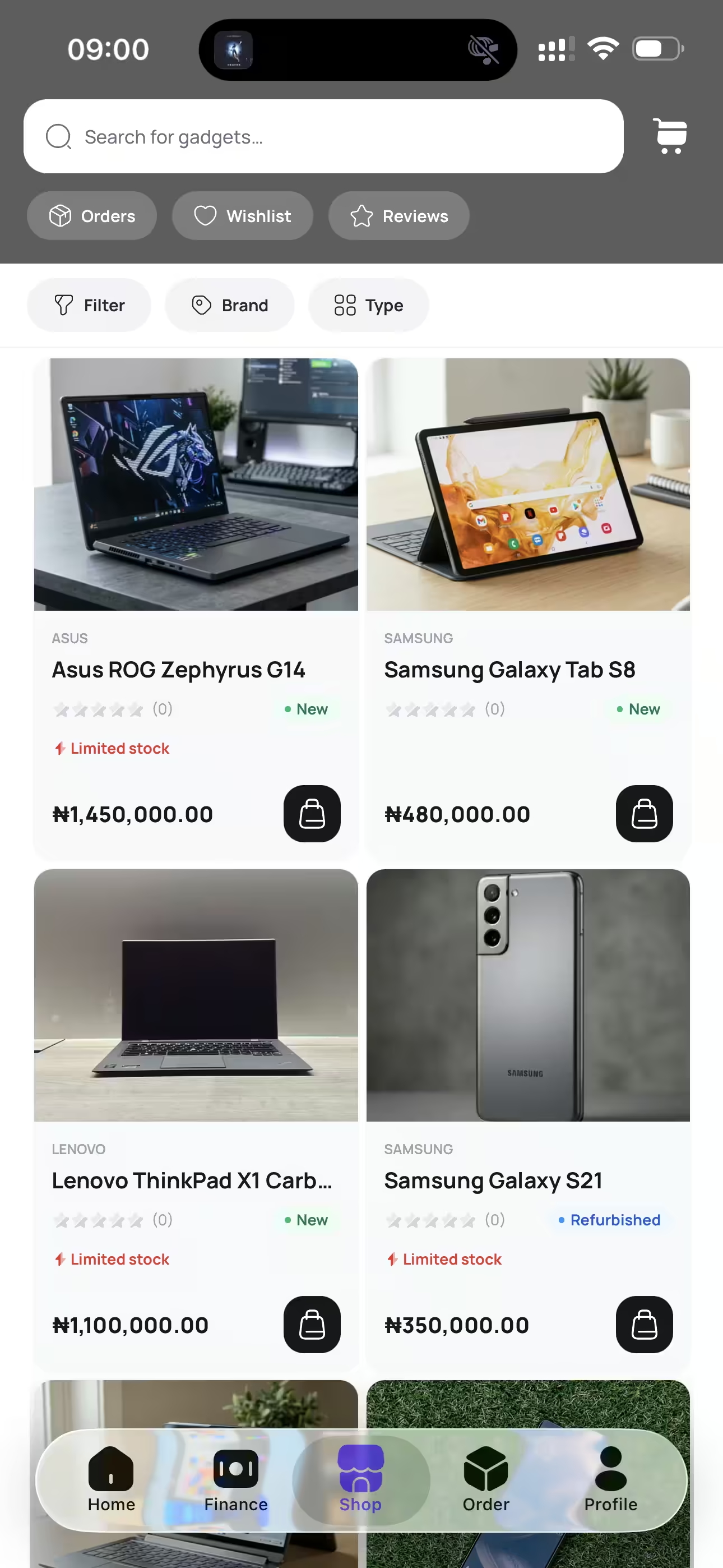
Place an order
- 1Pick a device and confirm the configuration - storage, and description.
- 2Add it to your cart, or save it to your wishlist to come back to later.
- 3At checkout, enter your delivery details.
- 4Choose how to pay: settle the full amount from your wallet, or if you are a verified student select Pody Finance to split it into instalments.
- 5Review the order summary and confirm.
Once the order is placed you can follow it from the Orders tab, and leave a review on the product once it has been delivered.
Where the devices come from
Pody buys from OEMs and vendors we verify, rather than from open marketplaces. That is what lets us promise genuine hardware and in-store pricing on every unit. Devices are listed as new, pre-owned, or refurbished — brand-new units arrive sealed with an intact manufacturer warranty, and the condition and cover on every other unit is stated on its listing.