06 — Pody Guide
Top up your wallet
Fund your Pody wallet by bank top-up or instantly with Flutterwave.
Downpayments and instalments are paid from your Pody wallet, so you fund the wallet first. Open the Home screen and tap “Top up” to see the two methods.
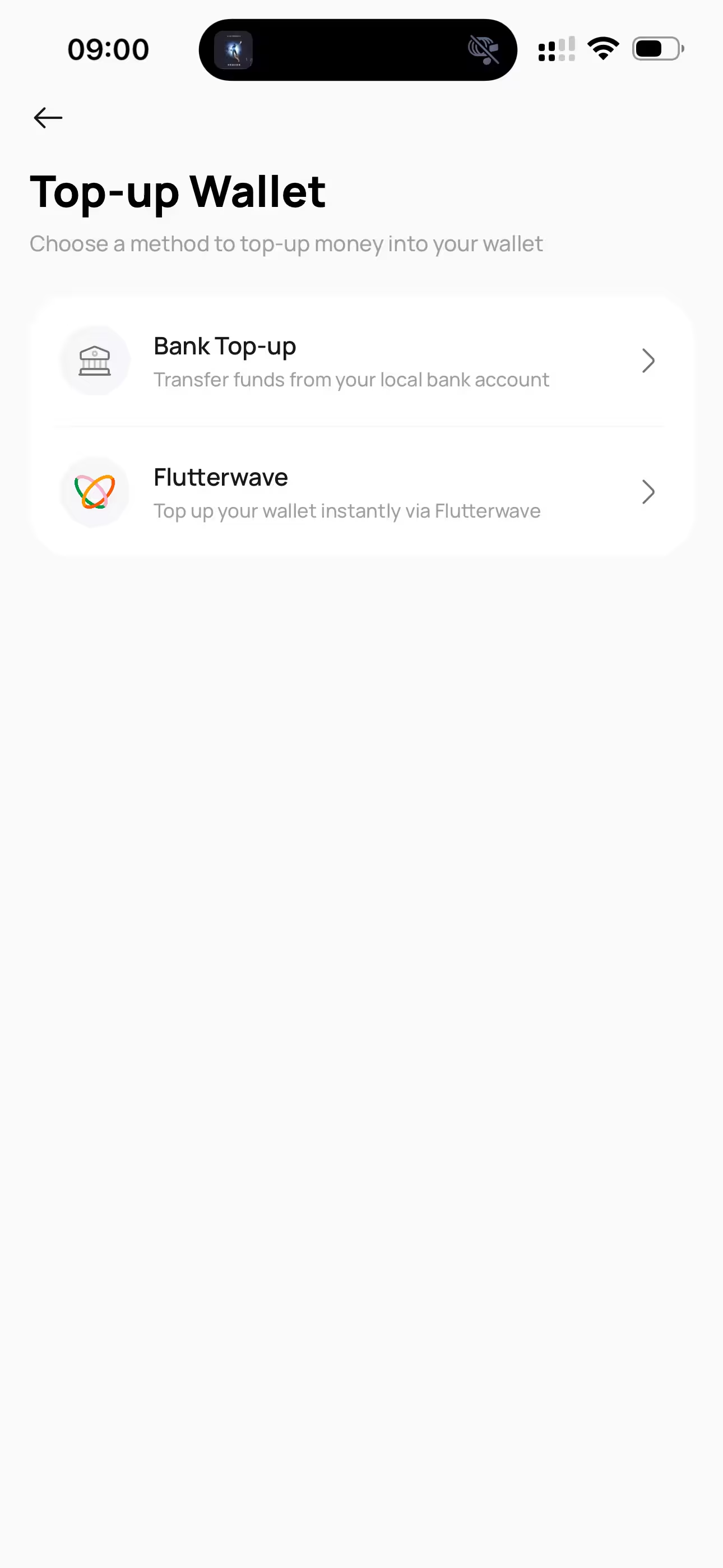
Bank top-up
Every account gets its own Nigerian account number, generated once and yours permanently. Transfer to it from any bank app and your wallet credits automatically, usually within minutes.
- 1Open the Home screen and tap “Top up”, then “Bank Top-up”.
- 2Complete KYC if you have not already, we cannot issue an account number without it.
- 3Copy or share your account number, bank name, and account name.
- 4Transfer any amount to it from your bank app.
Flutterwave
Choose “Flutterwave” instead to top up instantly from inside the app. Enter the amount, complete the payment on the Flutterwave checkout, and you are returned to Pody with your balance already updated.
Your account number belongs to you alone
It is generated for your account and never changes. Never send money to an account number that anyone including someone claiming to be Pody support sends you outside the app.
Top up at least a day before an instalment falls due. Transfers are near-instant but can be delayed during bank outages, and a payment is only on time once the funds have cleared.